KitchenAid Refrigerator Not Cooling? A Step-by-Step Diagnosis Guide
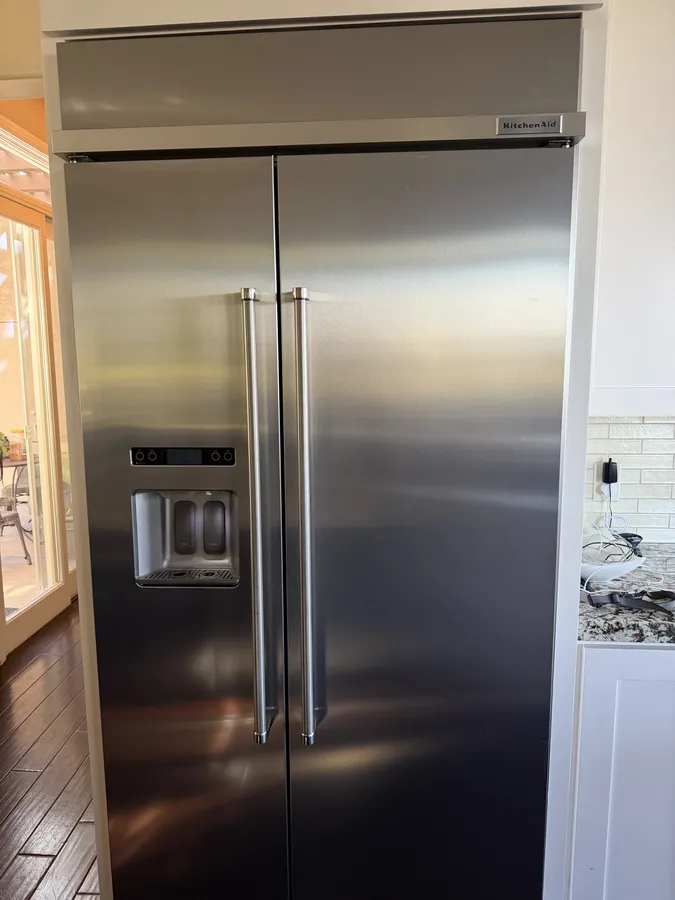
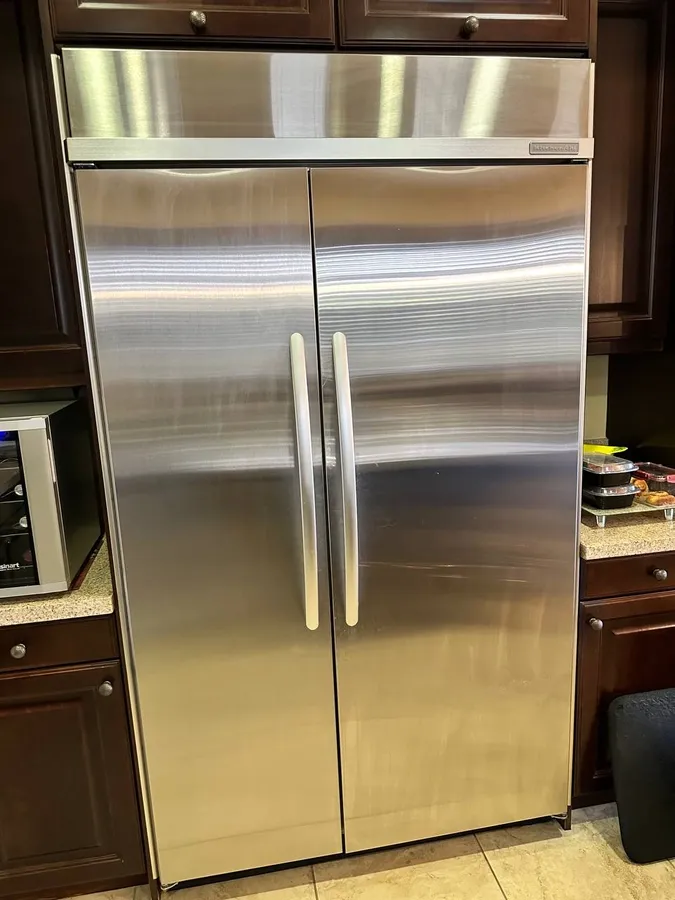
Working through a KitchenAid not-cooling call — gear unpacked, fan motor tested, damper assembly checked.
Warm Fridge, Worried Owner? Start Here
Reach in for the orange juice and it's room temperature — not the morning anyone wants. When a KitchenAid fridge starts losing its chill, the culprit is usually one of a half-dozen parts, and the cheapest fixes happen to be the most common ones. Before you book anything, a few checks with your own hands can either solve the problem outright or at least tell the technician exactly where to look.
Here's how to work the problem: the six usual suspects, the checks that are safe to do yourself, the signs it's time to hand things over, and — because nobody enjoys invoice surprises — what refrigerator repair usually runs in San Diego. We'll spend extra time on the situation where the freezer is icy while the compartment above slowly warms, because that pattern narrows the diagnosis dramatically.
The Six Usual Suspects
Nearly every warm-KitchenAid call we run lands on one of these:
Matching your symptoms to a suspect decides everything else — including whether the fix belongs to you or to a technician's toolkit.
- Dust-caked condenser coils — the cheapest fix on the list, and the one we find most
- A stalled evaporator fan — cold air gets made but never leaves the freezer section
- A tired condenser fan — heat can't shed, so the whole system loses ground
- A misreading thermistor or temperature control — the electronics chase bad numbers
- A defrost fault — ice slowly entombs the evaporator until air can't pass
- A dying compressor — the serious one, and thankfully the rarest
Freezer Cold but the Fridge Is Warm?
Homeowners describe this pattern constantly, and it's actually encouraging news.
A frozen-solid freezer means the refrigeration loop itself — compressor, condenser, refrigerant — is pulling its weight. One system chills both compartments, so if either side is cold, the machinery is alive. What's failed is the delivery: cold air is being produced downstairs but not arriving upstairs.
On most KitchenAid designs, all the cold originates at a single evaporator in the freezer zone. A dedicated fan drives that air through a motorized flap — the damper — into the food compartment. Fan seized, or flap frozen shut? The freezer hoards the cold while your produce drawer creeps toward the 50s. Two small parts, both replaceable without ever opening the sealed system.
For orientation: the fan hides behind the freezer's interior rear panel, and the damper sits in the airway between the two compartments, usually near the top.
What We Typically Find on These Calls
After years of running KitchenAid not-cooling calls across San Diego, a pattern stands out: when the fridge is warm but the freezer is still cold, the fix is usually mechanical, not a failed compressor. More often than not it comes down to a stalled evaporator fan, a damper that won't open, or frost choking the evaporator because the defrost system has quit cycling.
A common version of the call goes like this. A homeowner has already wiped the coils and double-checked the settings, but the fridge still won't drop below the mid-50s while the freezer is rock solid. Pulling the rear interior panel shows the evaporator buried in frost — a sign the defrost heater or defrost control has stopped working — or an evaporator fan that hums but doesn't turn. Clearing the frost and replacing the failed part brings the fridge back to temperature, and the freezer was never the problem. We share that pattern so you know what to expect, not as a guaranteed diagnosis: your unit needs its own inspection before anyone can say for sure.
Five Checks Before You Pick Up the Phone
Work these in order — they're free, they're safe, and a meaningful share of warm-fridge calls end right here.
Step 1: Confirm Nobody Changed the Settings
Cleaning day, curious kids, a grocery bag pressed against the control panel — settings change without anyone meaning to. Verify the numbers: 37°F is a good fresh-food target (anywhere in the mid-to-high 30s works), and the freezer belongs at or just above zero. If something was off, correct it and give the unit several hours before judging the result.
Step 2: De-Dust the Condenser Coils
Under or behind the cabinet, a radiator-like grid sheds the heat pulled out of your food. Let dust and pet hair blanket that grid and the system runs long, struggles through warm afternoons, and eventually can't hold temperature at all. It's the number-one finding on weak-cooling visits.
Kill the power first. Pop the toe grille (the manual shows where), work a coil brush through the fins, then vacuum whatever falls loose. Power back on and check again toward evening — full recovery takes a good chunk of the day.
Step 3: Make Sure the Circulation Fan Runs
The fan that moves cold air is wired to pause whenever a door opens. So hold the door switch pressed in with the door open and listen: a soft whir should start up from behind the freezer wall. Total silence there — while the freezer itself stays frozen — points hard at a dead fan motor, which a technician can swap in a single visit.
Step 4: Look for an Ice-Choked Back Panel
Peek at the rear wall inside the freezer (or the fresh-food section, depending on the model). A furry white coat of ice means the automatic defrost cycle has stopped doing its job, and that ice is smothering the coil your cold air comes from. The fridge side starves first; the freezer holds out longest.
Step 5: Give the Air Room to Move
Heat needs an exit and cold needs a path. Slide the unit out and clear dust from the rear clearance; inside, stop short of Tetris-packing the shelves — jammed compartments smother the interior vents, and smothered vents imitate a cooling failure convincingly.
Signs It's Time to Hand It Over
Some symptoms mean the free checks won't save you, and pushing further risks the appliance:
A service visit begins with a $90 diagnostic that rolls into the price of the fix. That first half-hour answers the money question: a simple fan-or-flap job, or sealed-system territory.
- Repeated clicking from down low and a compressor that won't stay running — a start-relay or compressor problem, and no place for DIY.
- Warm on both sides. When neither compartment holds temperature, suspect the refrigerant loop or the compressor — gauges-and-training work.
- Everything sounds normal, nothing gets cold. Often refrigerant has escaped, or the compressor runs without building pressure.
- A code on the display. KitchenAid's diagnostic codes need the service reference data to read correctly.
- Dead or glitchy controls. A board that ignores button presses or reboots itself is a replacement item.
The Diagnosis at a Glance
- Seen most often: filthy coils or a stopped circulation fan
- Cold freezer + warm fridge: airflow parts — fan or damper
- Best free fixes: coil cleaning and a settings correction
- Call for: compressor, refrigerant, defrost, and board work
- Visit cost: a flat $90 to diagnose, credited if we do the repair
- Backing: 90 days on parts and labor
Does the Configuration Change Anything?
Whether yours is a french door, a side-by-side, a top-freezer, or a built-in, the hunt runs the same course. Two practical notes. Built-ins sit flush inside cabinetry, which makes panel access awkward enough that most owners skip straight to a service call. And the damper hardware differs a little between door styles — but the circulation fan behaves identically everywhere, which is why it's always the first stop when the freezer works and the fridge doesn't.
Keeping the Cold Coming
After the repair, cheap insurance looks like this:
Still warm after all five checks? We've been fixing KitchenAid refrigerators across San Diego for years, we stock the parts these units actually burn through, and we stand behind the work for 90 days.
Refrigerator and Appliance Repair — coastal and central San Diego since 2019. The $90 diagnostic starts every job and comes off the repair bill. Call (858) 788-1552.
- Put coil cleaning on the calendar twice a year — it heads off more cooling calls than every other habit combined
- Keep the interior vents visible; don't wall them off with leftovers
- Give the cabinet breathing room, a few inches at the rear especially
- Swap a cracked or gummy door gasket promptly — a leaky seal forces long run times
- Watch the defrost drain; recurring frost often means it's plugged
One Playbook, Many Brands
None of this is KitchenAid-exclusive. Whirlpool and Maytag build on shared platforms, and most modern fridges route a single evaporator's output through a damper — so the order of operations travels well: circulation fan, then damper, then thermistor and defrost hardware.
Warm fridge, working freezer, any badge on the door — the playbook holds. Our refrigerator repair team covers Rancho Santa Fe, La Jolla, Del Mar, and Poway, with the parts swapped to match the brand.
Warm KitchenAid — At a Glance
- Seen most often: Coils blanketed in dust — brush them twice a year
- Fridge warm, freezer fine: Circulation fan or the damper flap
- Warm on both sides: Compressor or refrigerant-loop fault
- Frosted-over back panel: The defrost cycle has quit
- Best free fix: Coil cleaning or a settings correction
- Call us when: It hums loudly but stays warm inside
Related Reading
When a warm KitchenAid turns out to be a symptom of something bigger, these related guides pick up where this one leaves off.
Worked all five checks and the fridge is still warm? You're down to component faults — fan, damper, defrost hardware, or the compressor itself. Most KitchenAid cooling repairs finish in one visit; the flat $90 diagnostic folds into the bill, and parts and labor carry a 90-day guarantee.
(858) 788-1552